Product previews
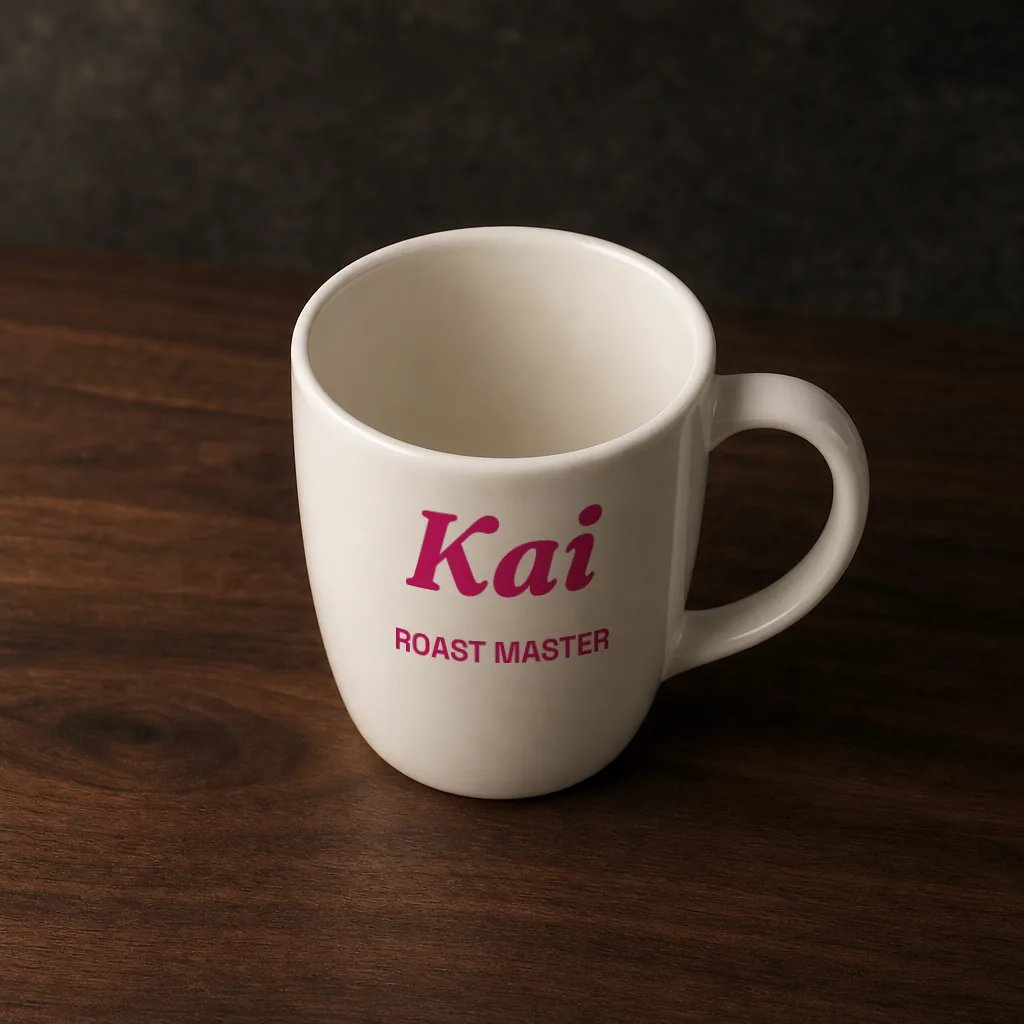
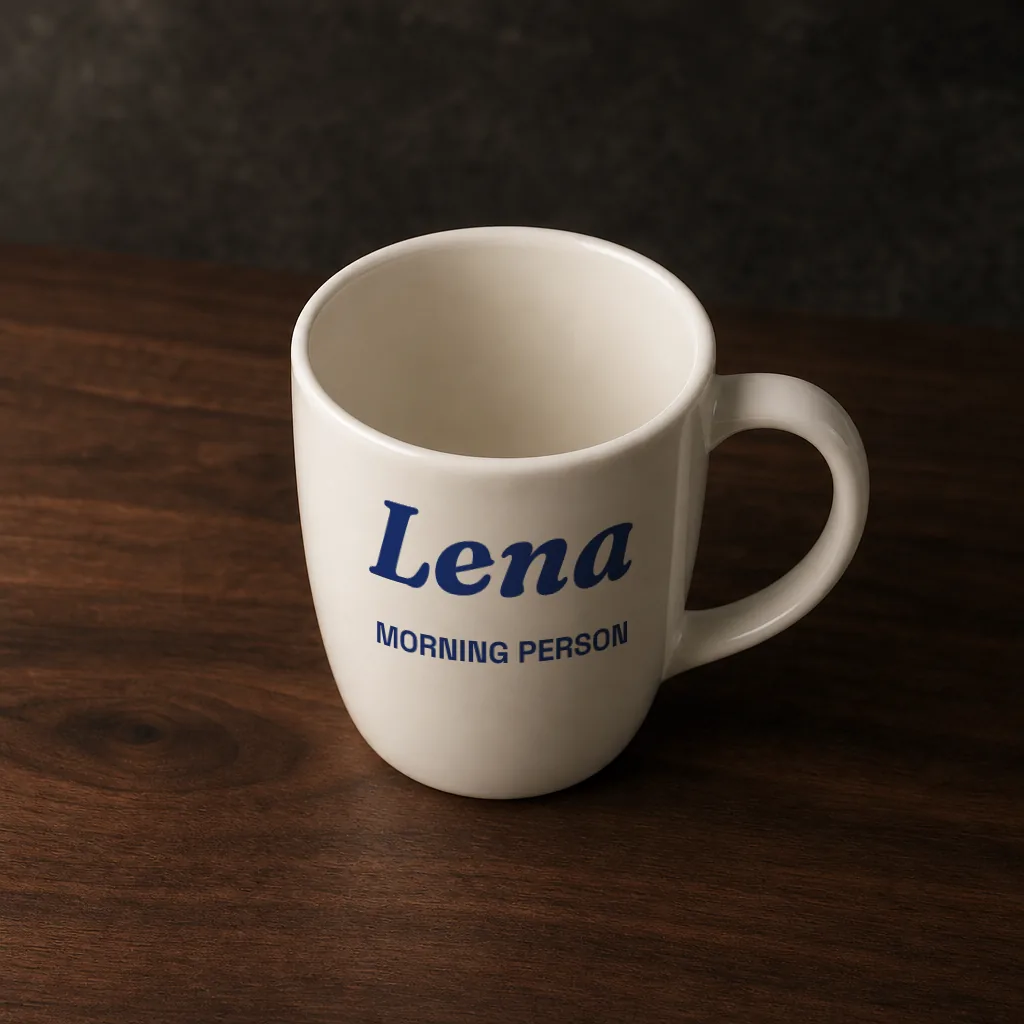
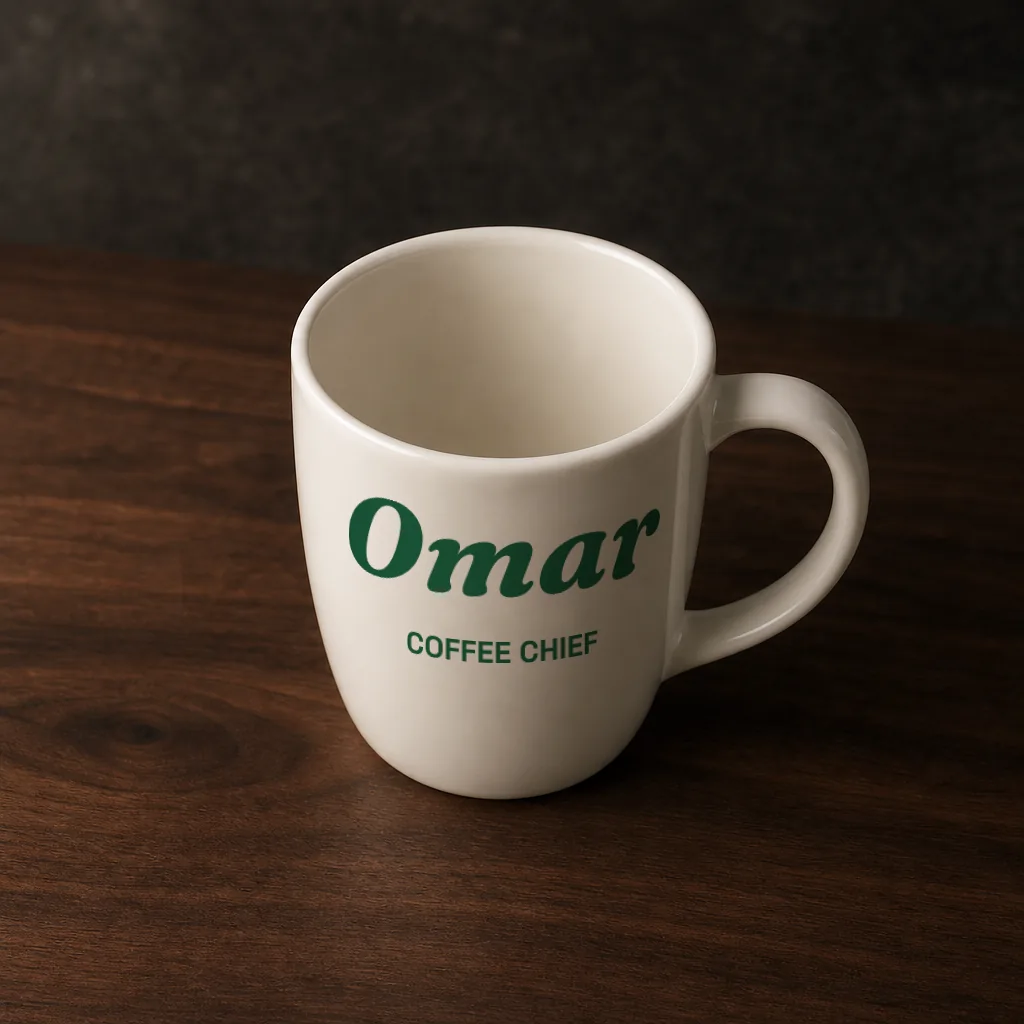
Their name on the product
Show customers how their name will look on the product before they buy.
Let AI build your personalized template, or design it in the canvas. Review it once, then reuse it with each recipient’s details in your email tool.
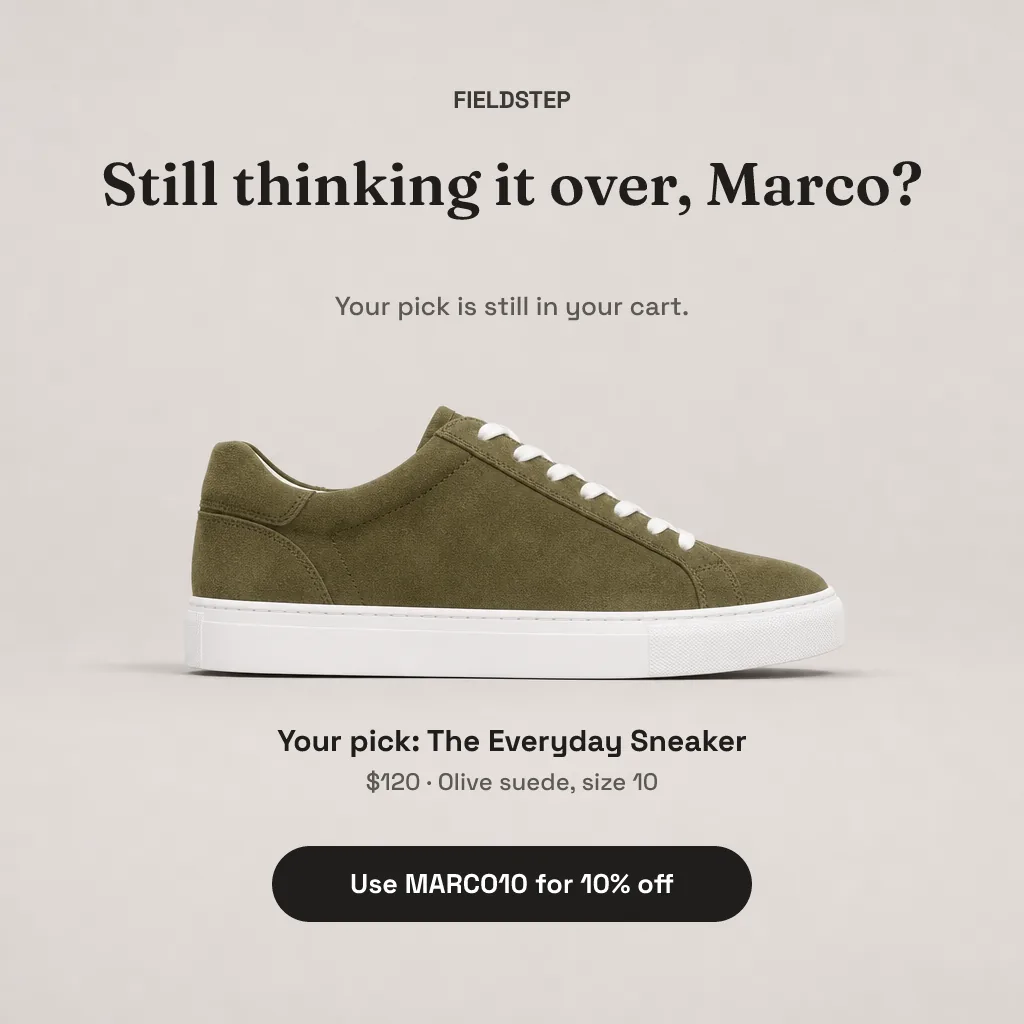
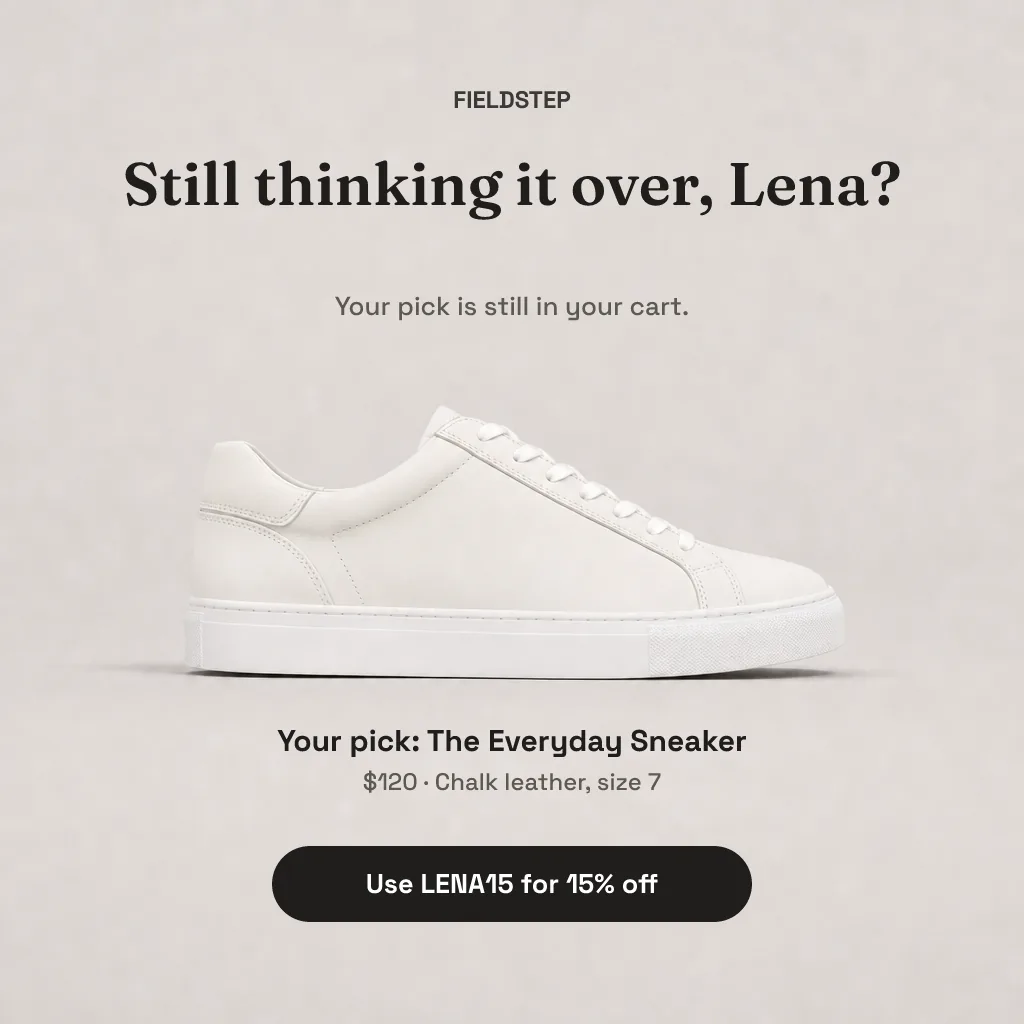
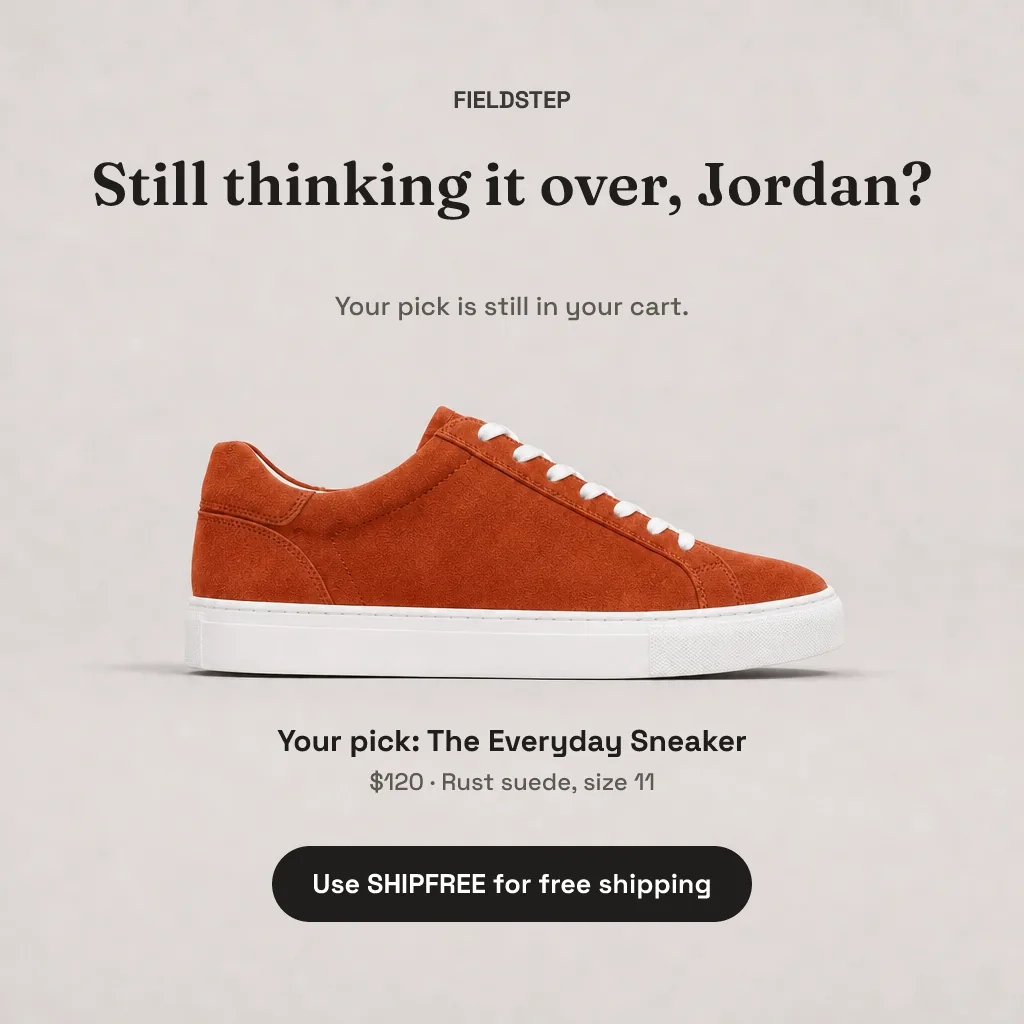
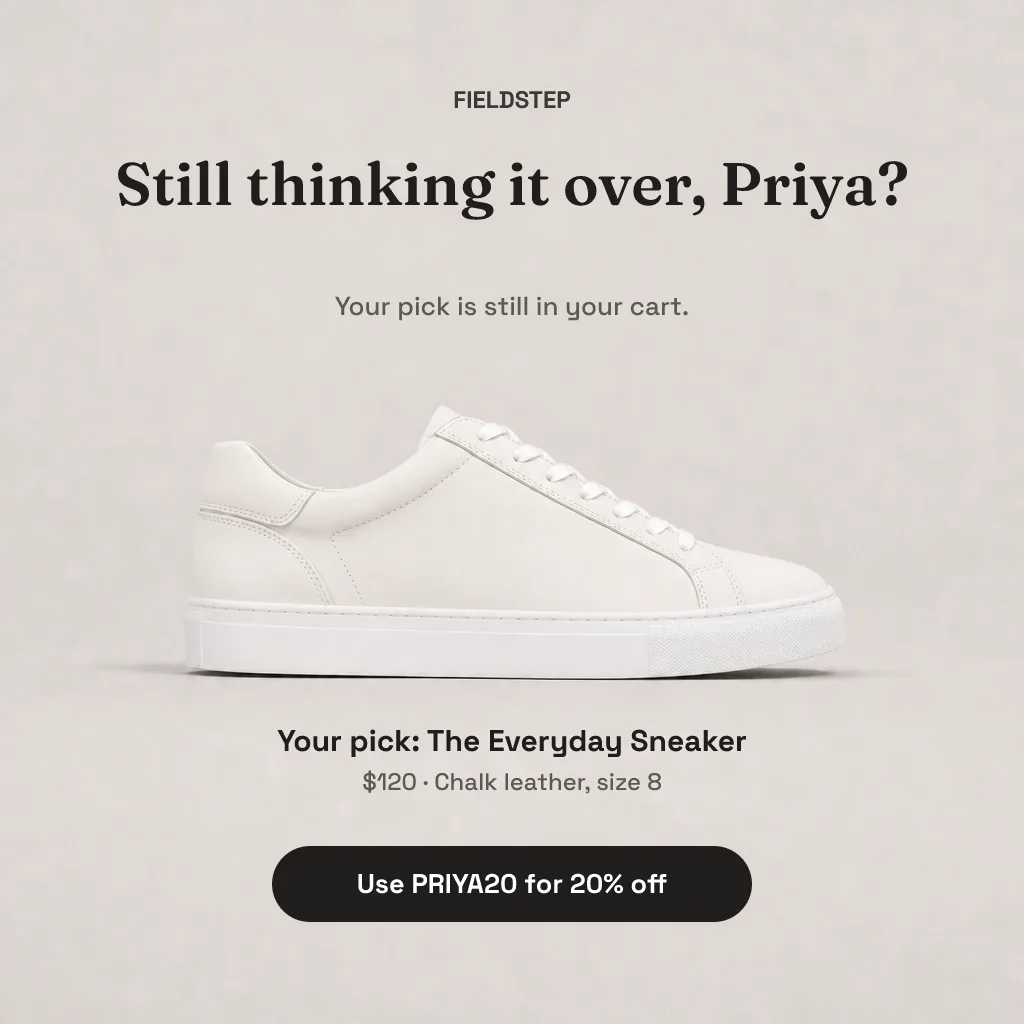
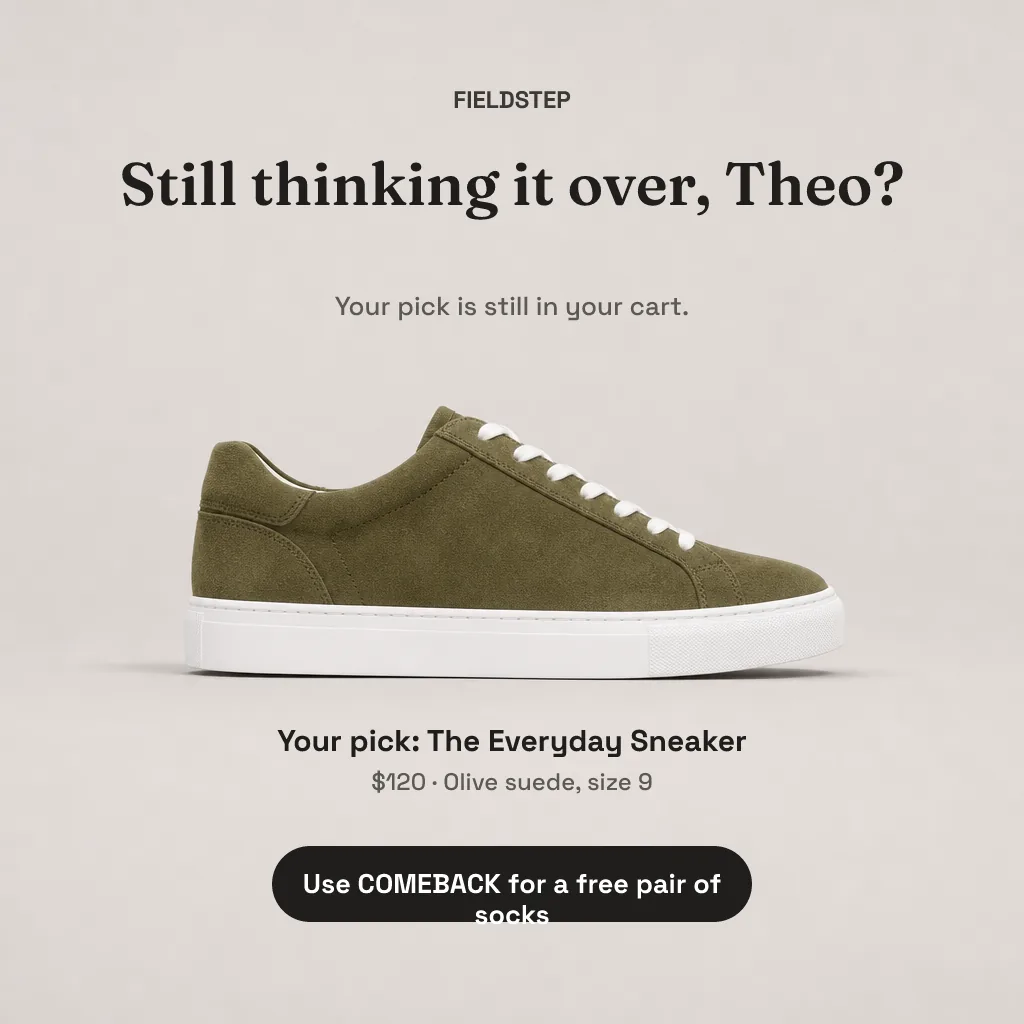
Change the fields and the voucher reprints itself. In a real send, your email platform fills these in for every person on your list.
Live browser preview. In your emails, Piksio renders this as a real PNG or animated GIF that works in Gmail, Outlook and Apple Mail.
One template, many customers. A name shows it's personal; their product, their offer or their own numbers gives them a reason to click.
Show customers how their name will look on the product before they buy.
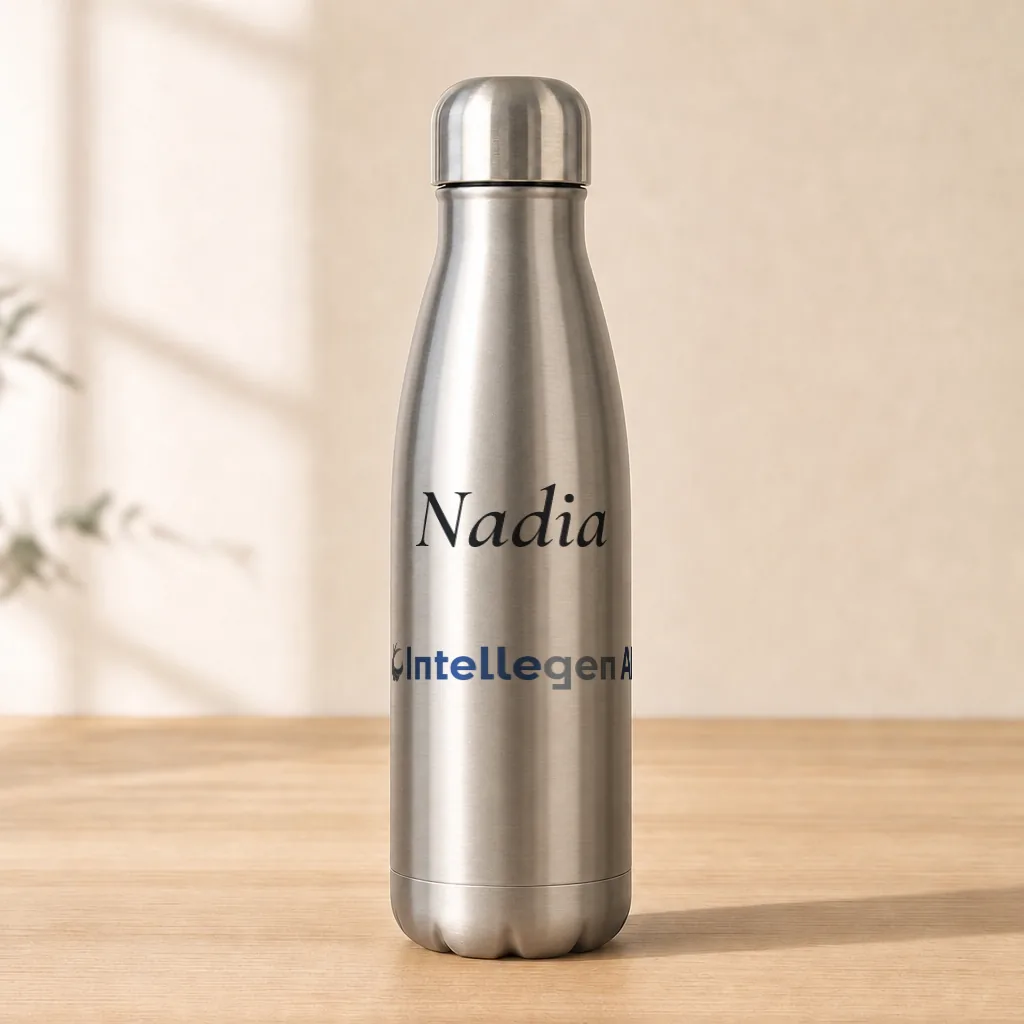
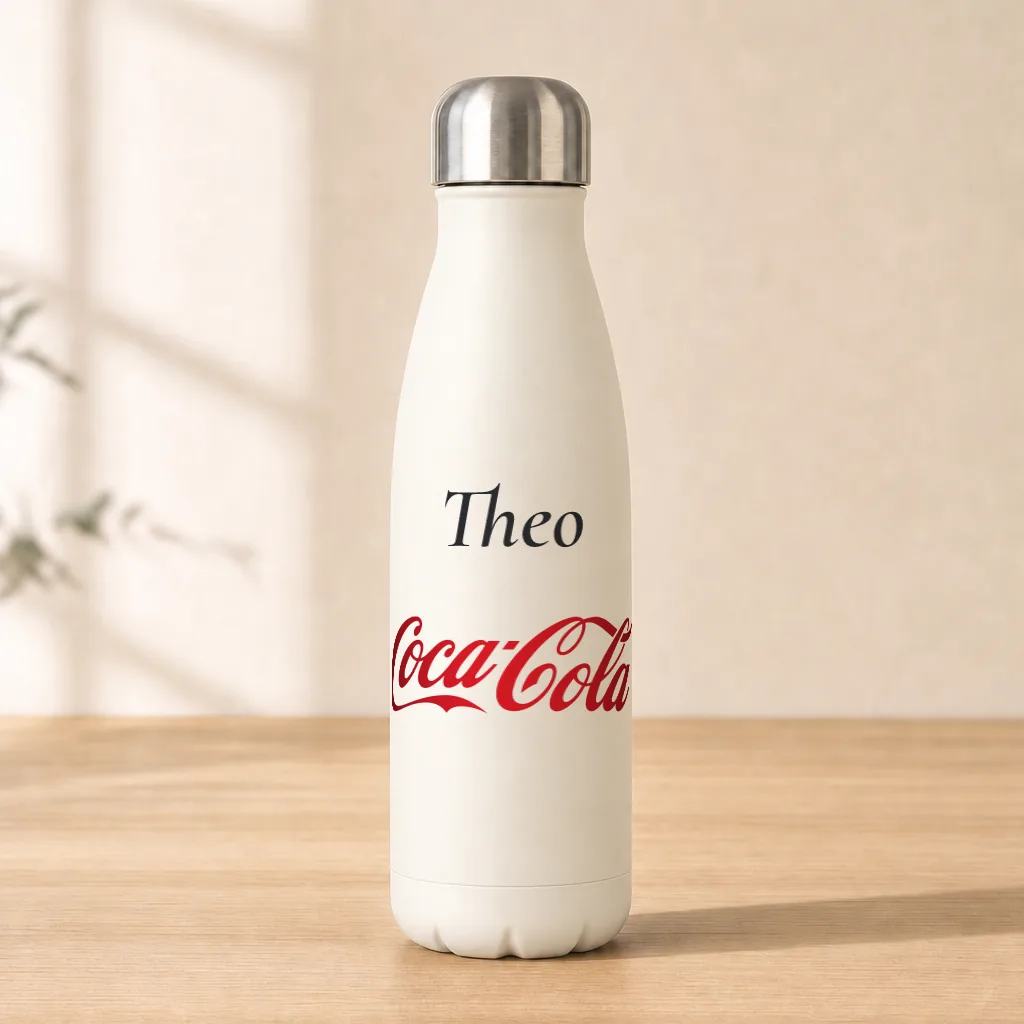
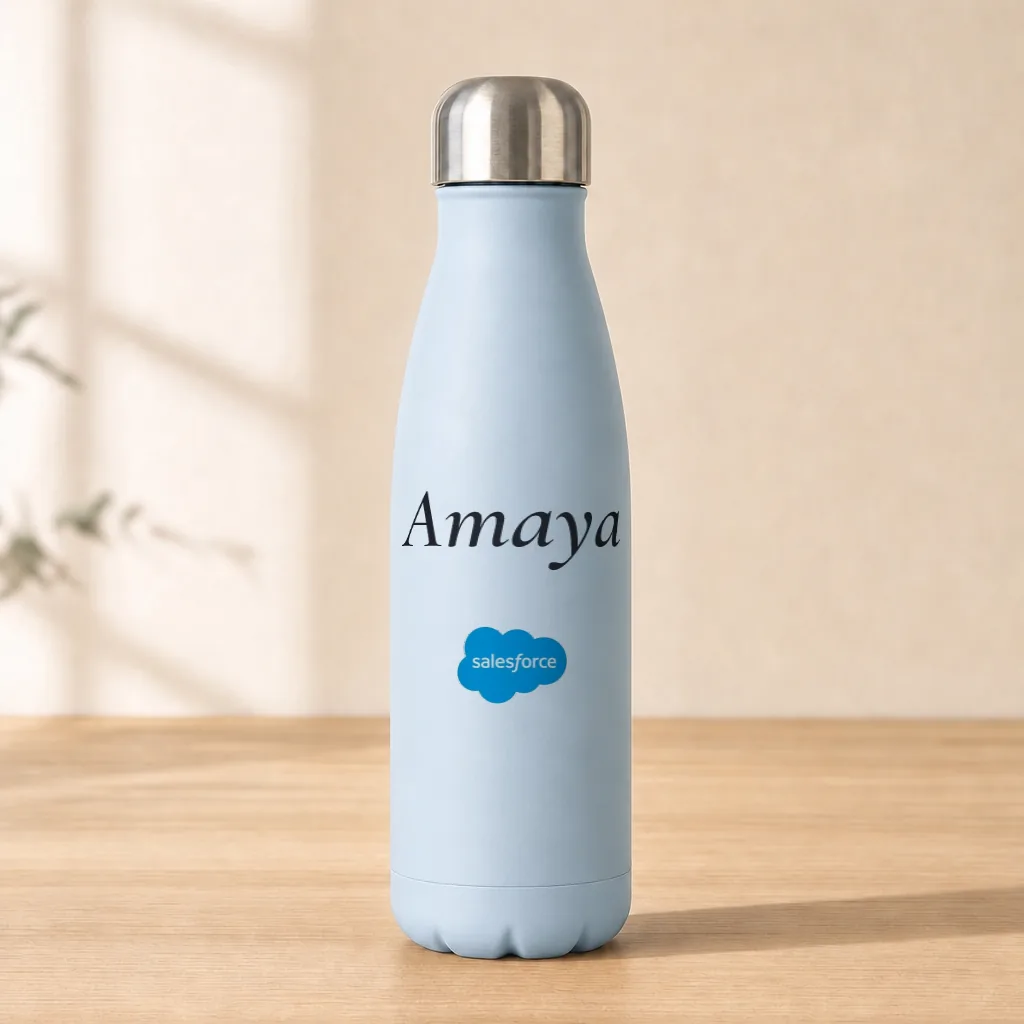
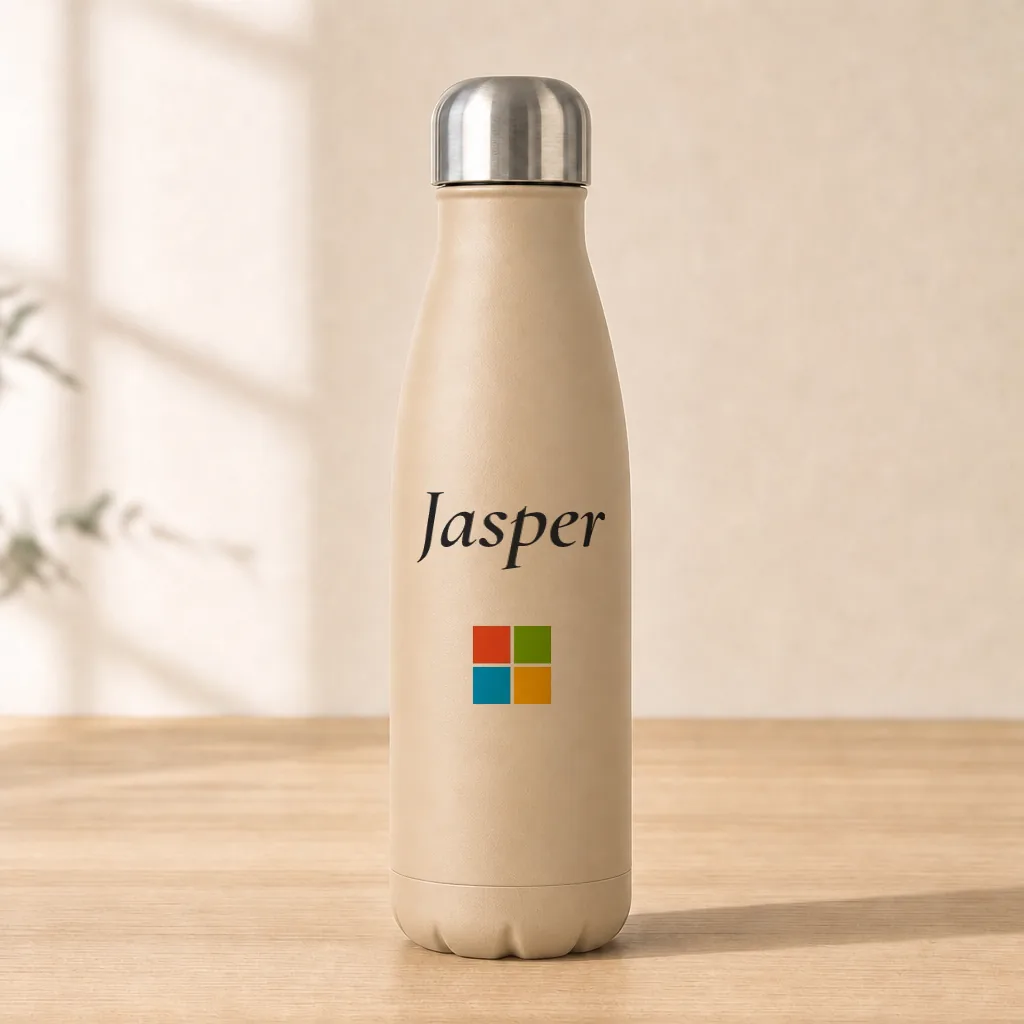
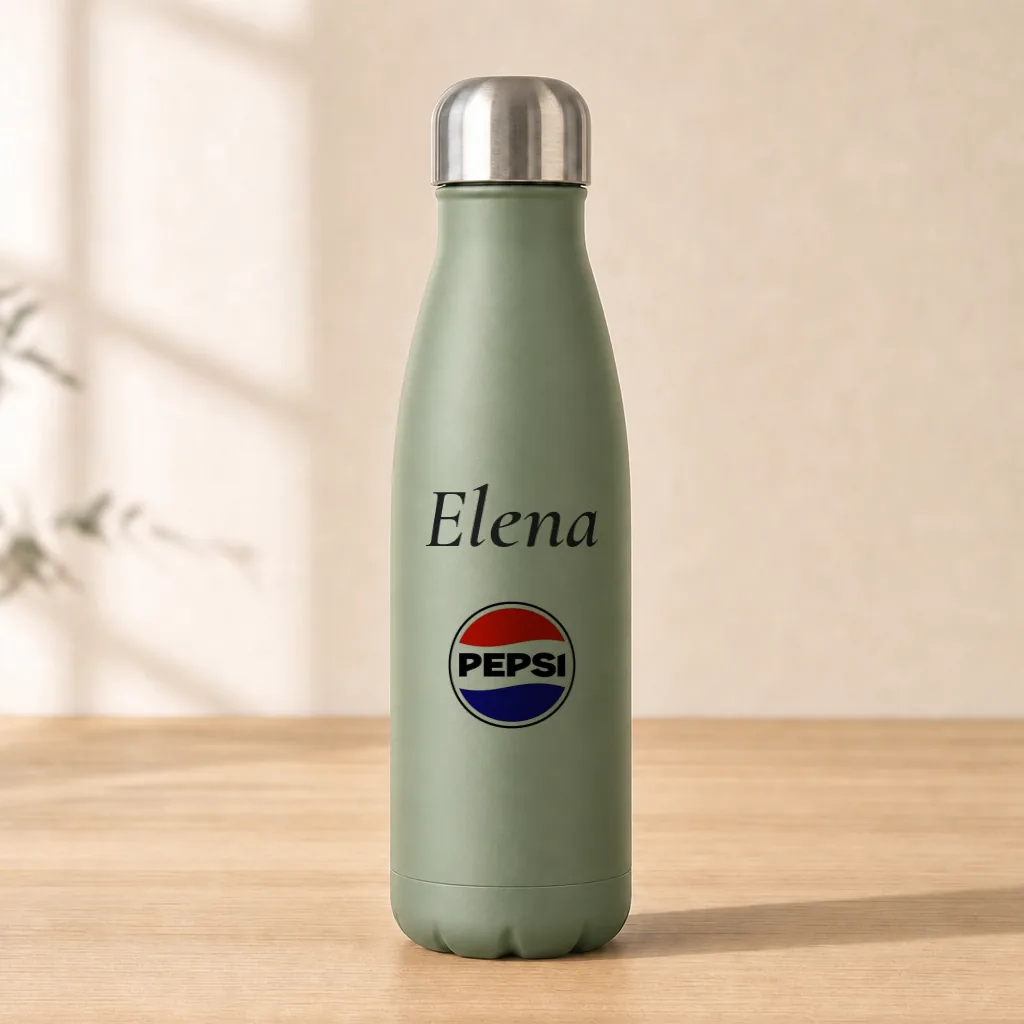
Preview a branded gift with their name and company logo.
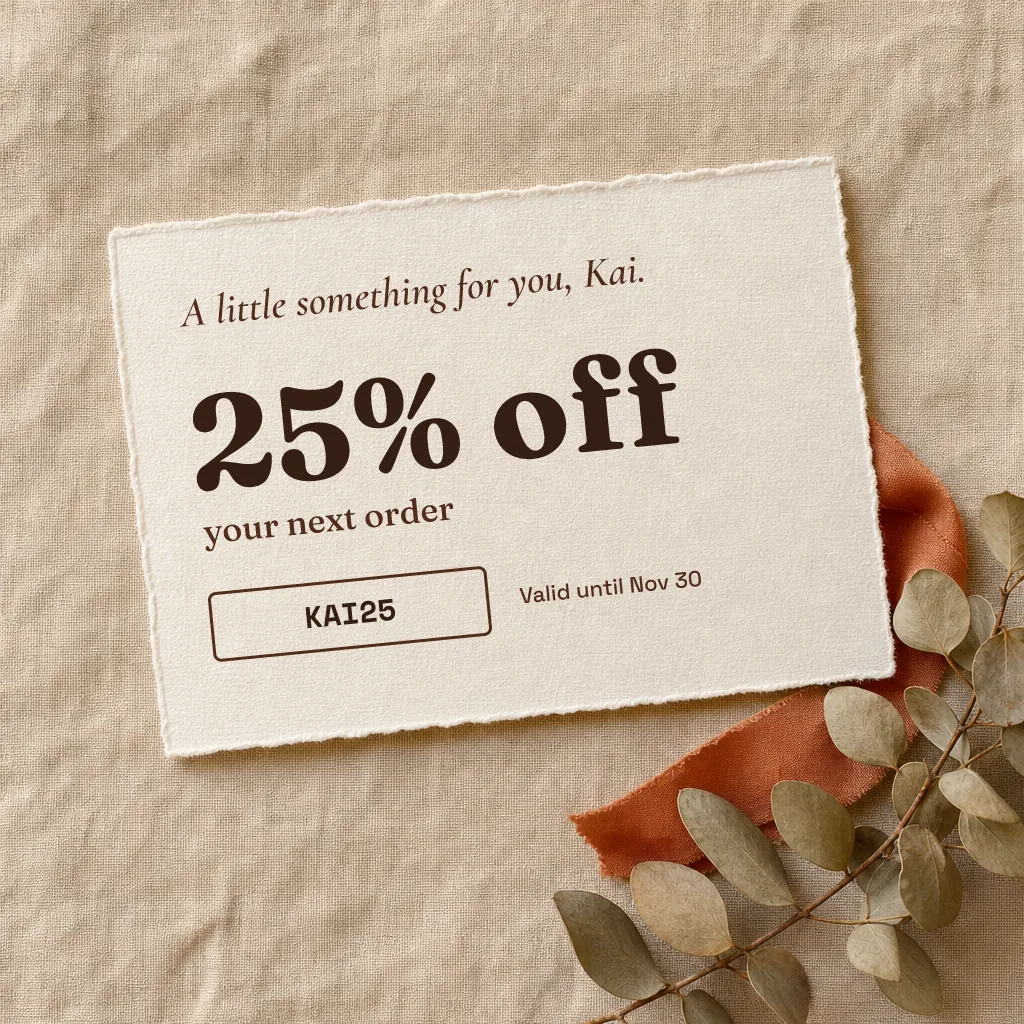
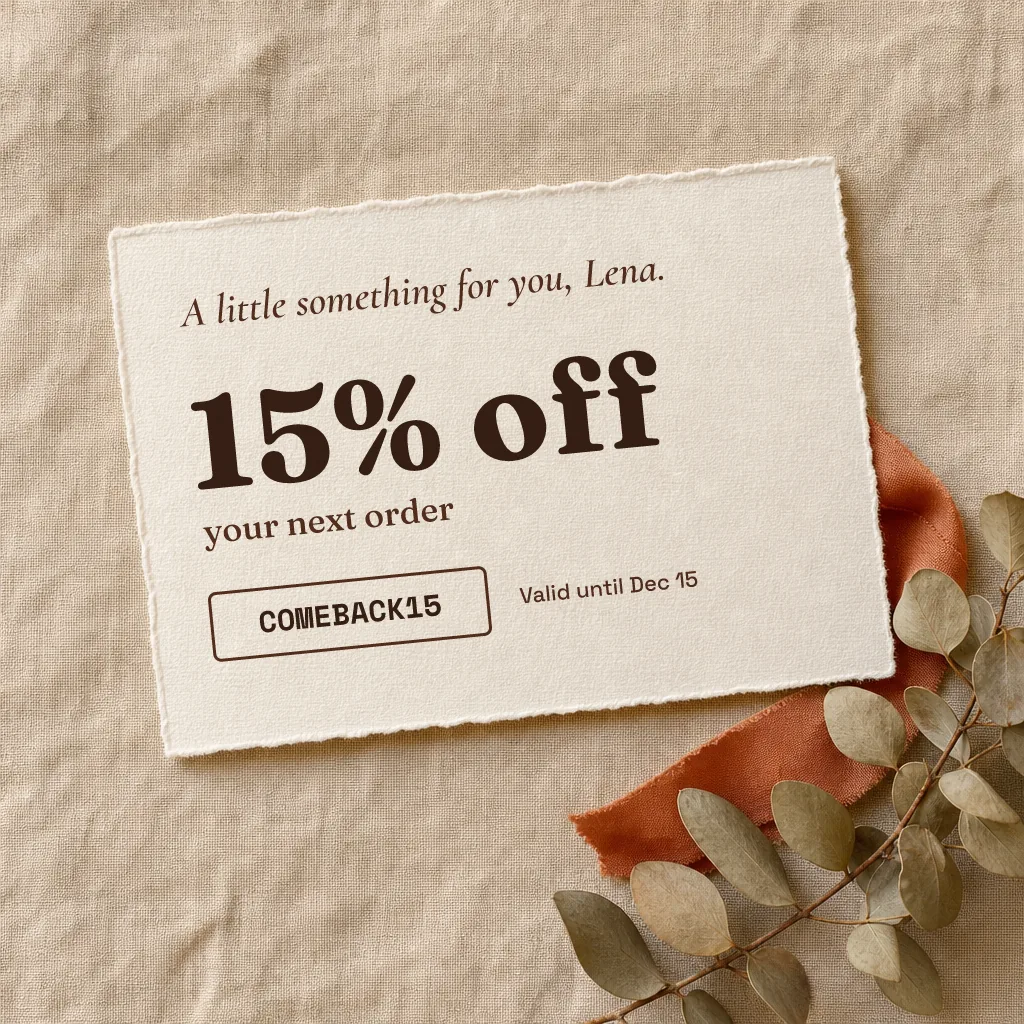
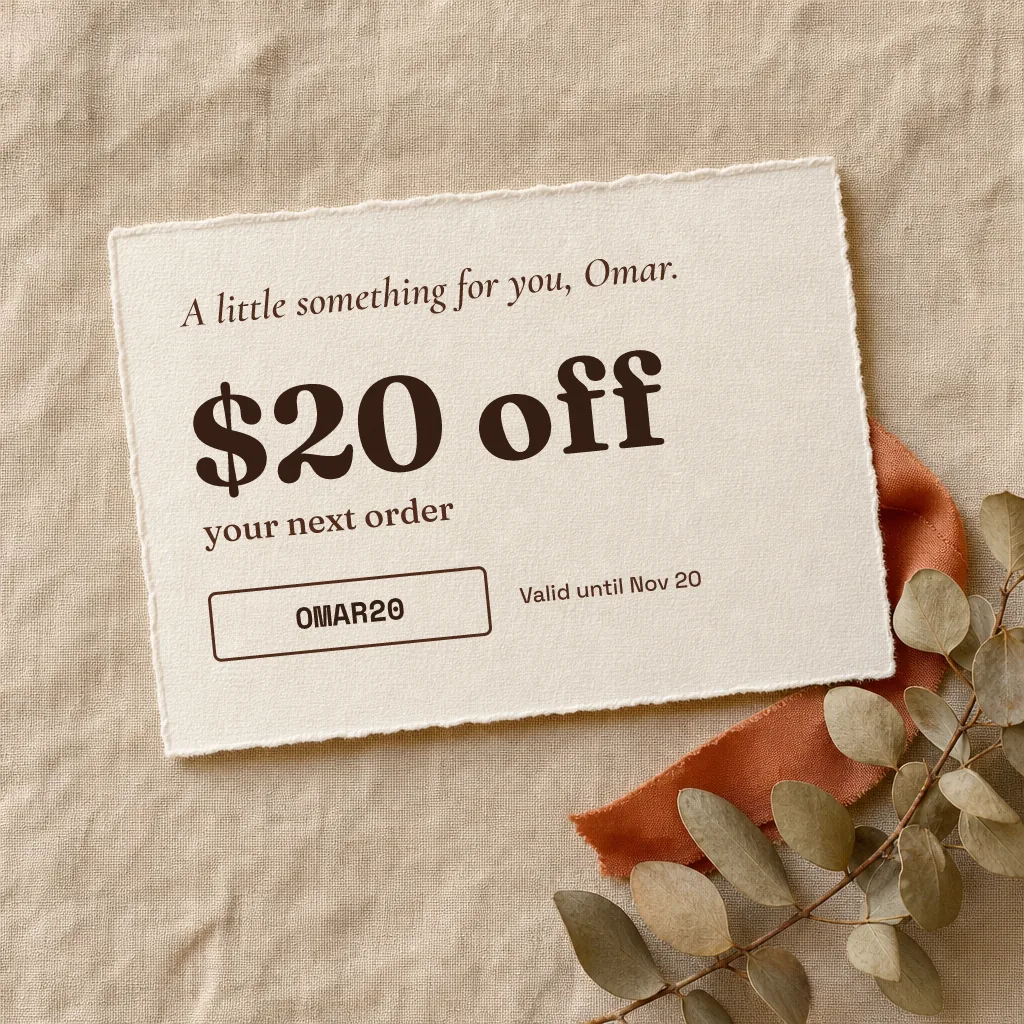
Name, discount, code and expiry printed into a gift voucher. Piksio shows the code your store or email platform supplies.
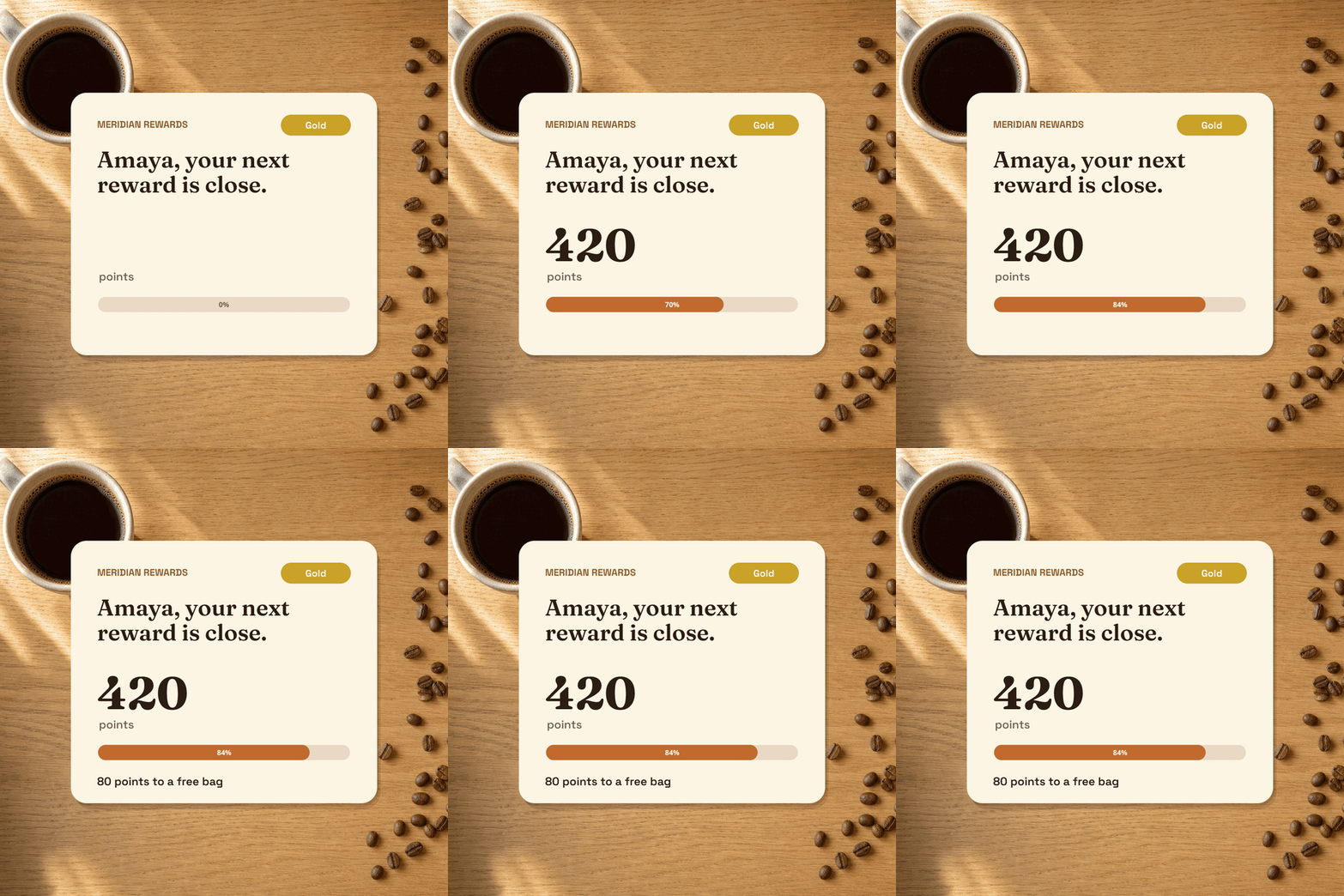
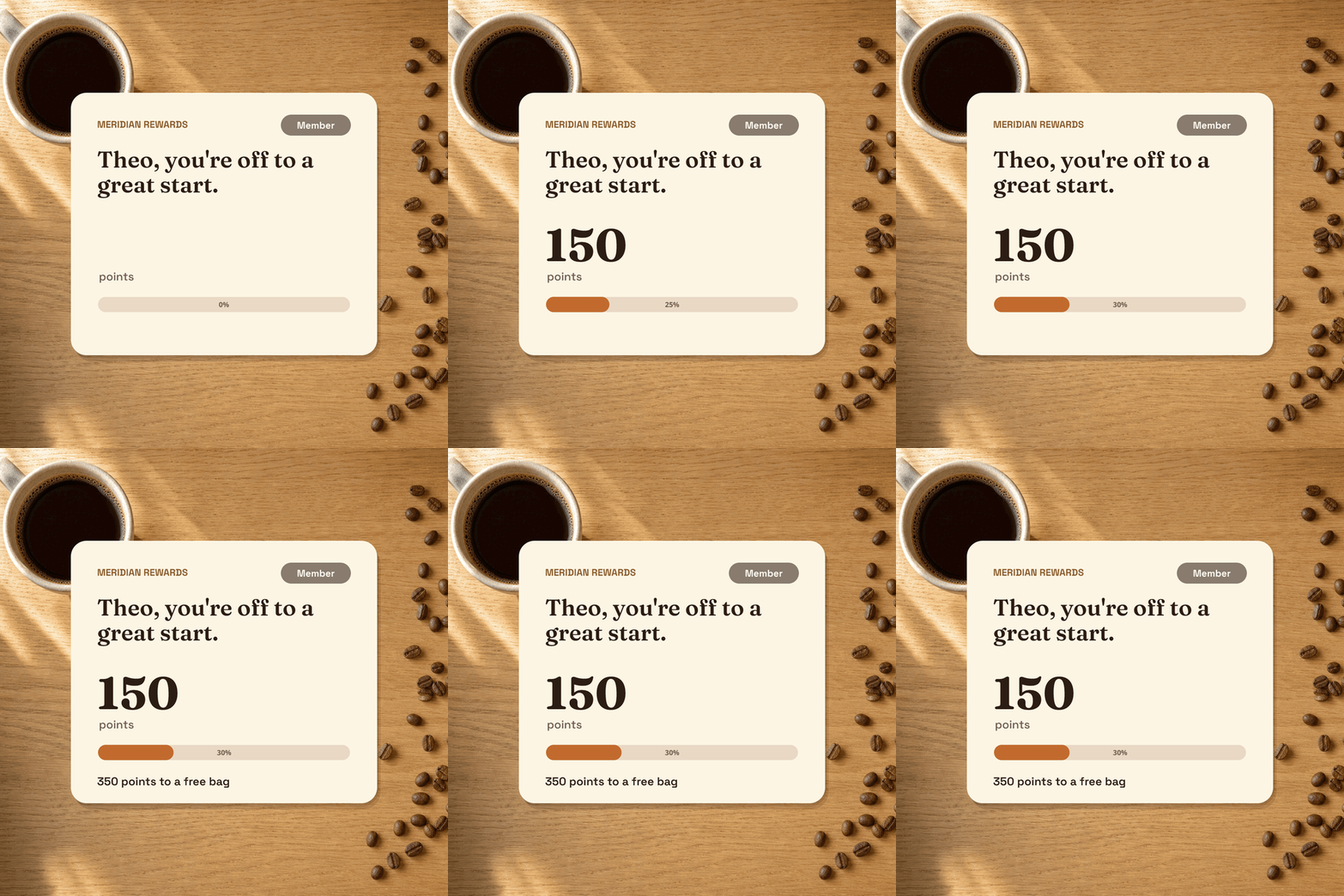
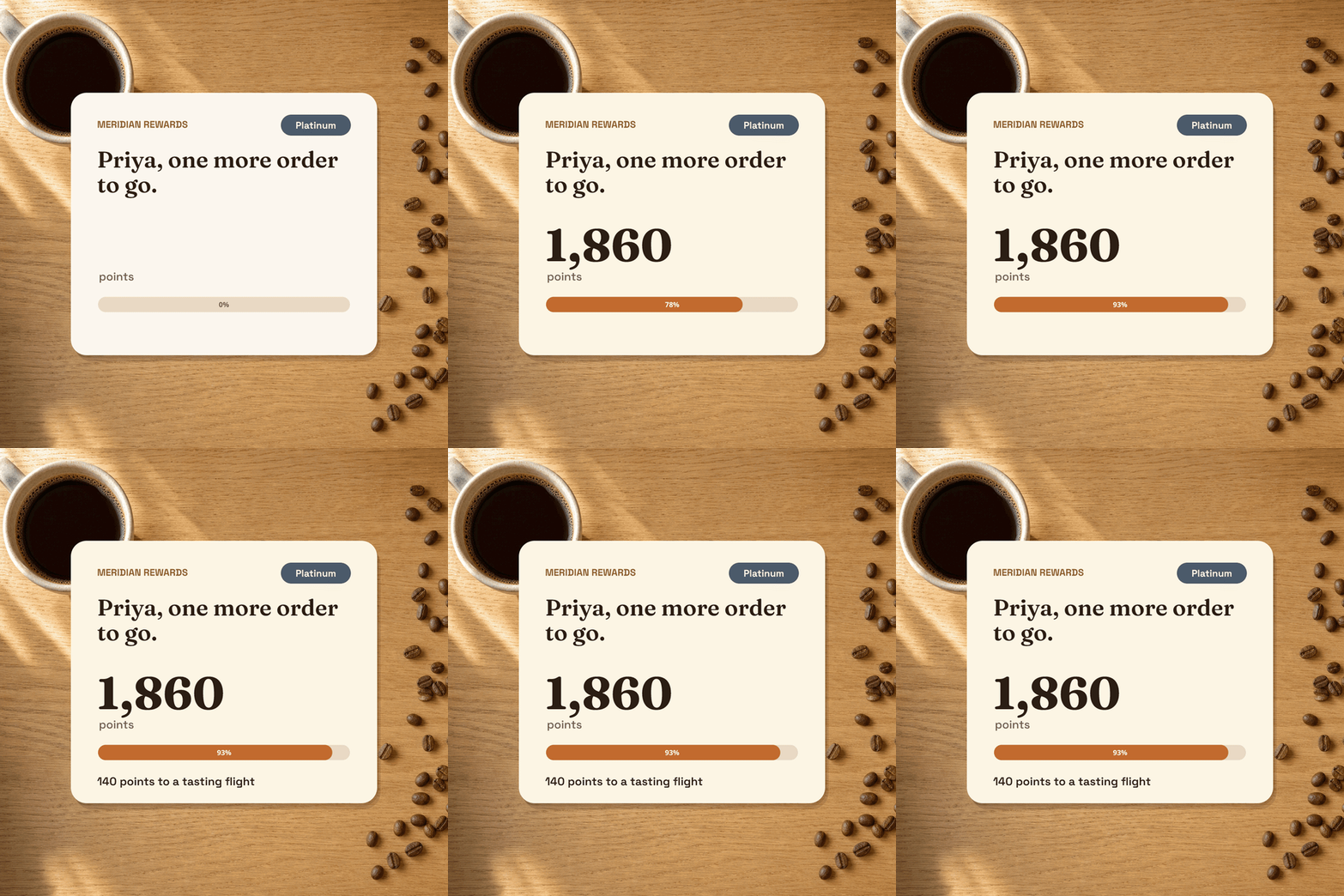
Points, tier and next reward from each customer's data, as an animated GIF: the progress bar fills when the email opens.
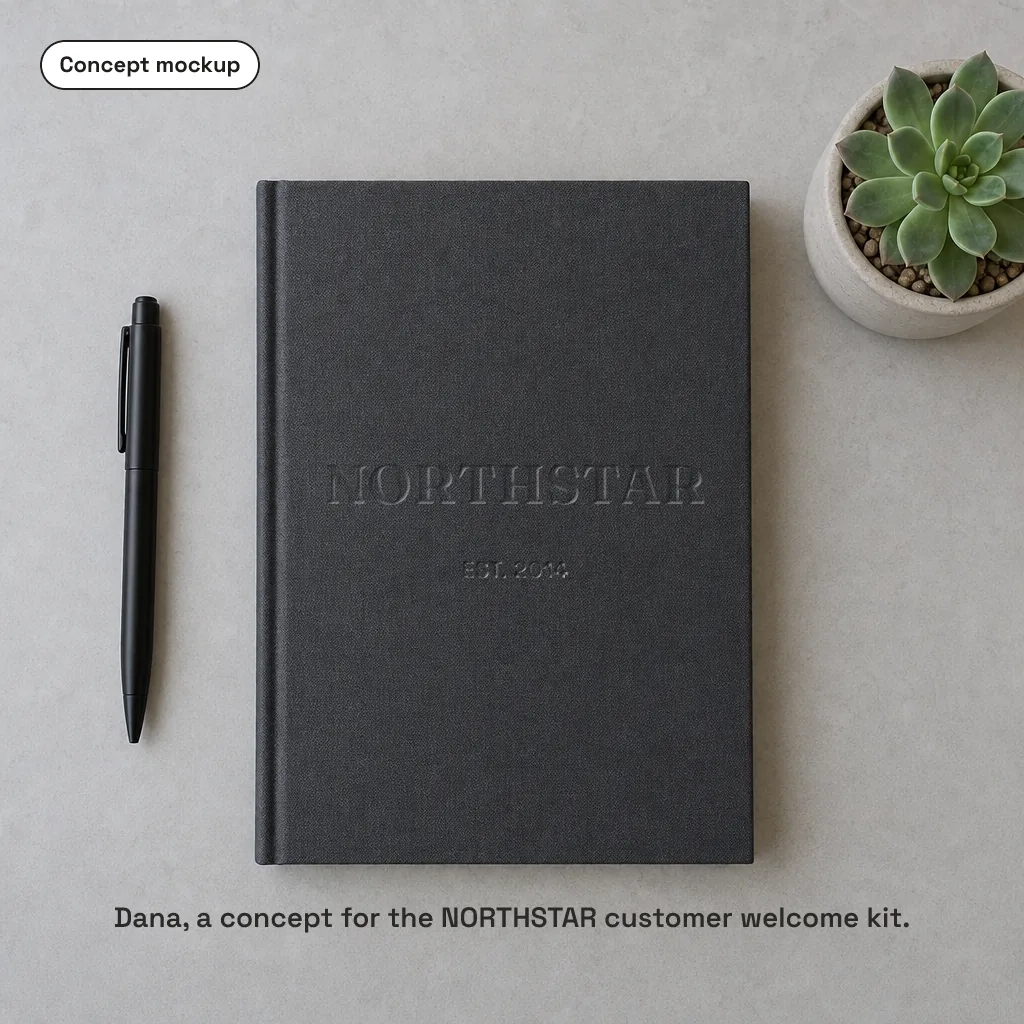
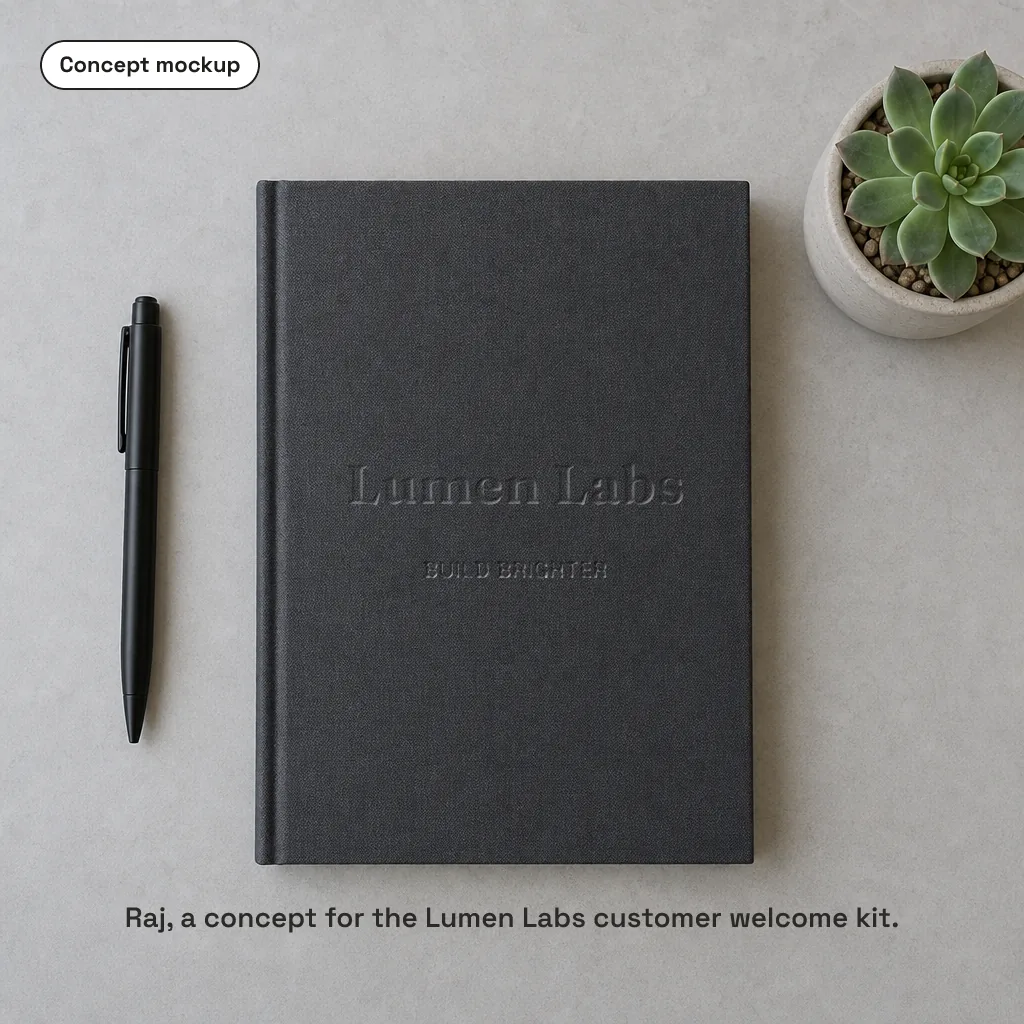
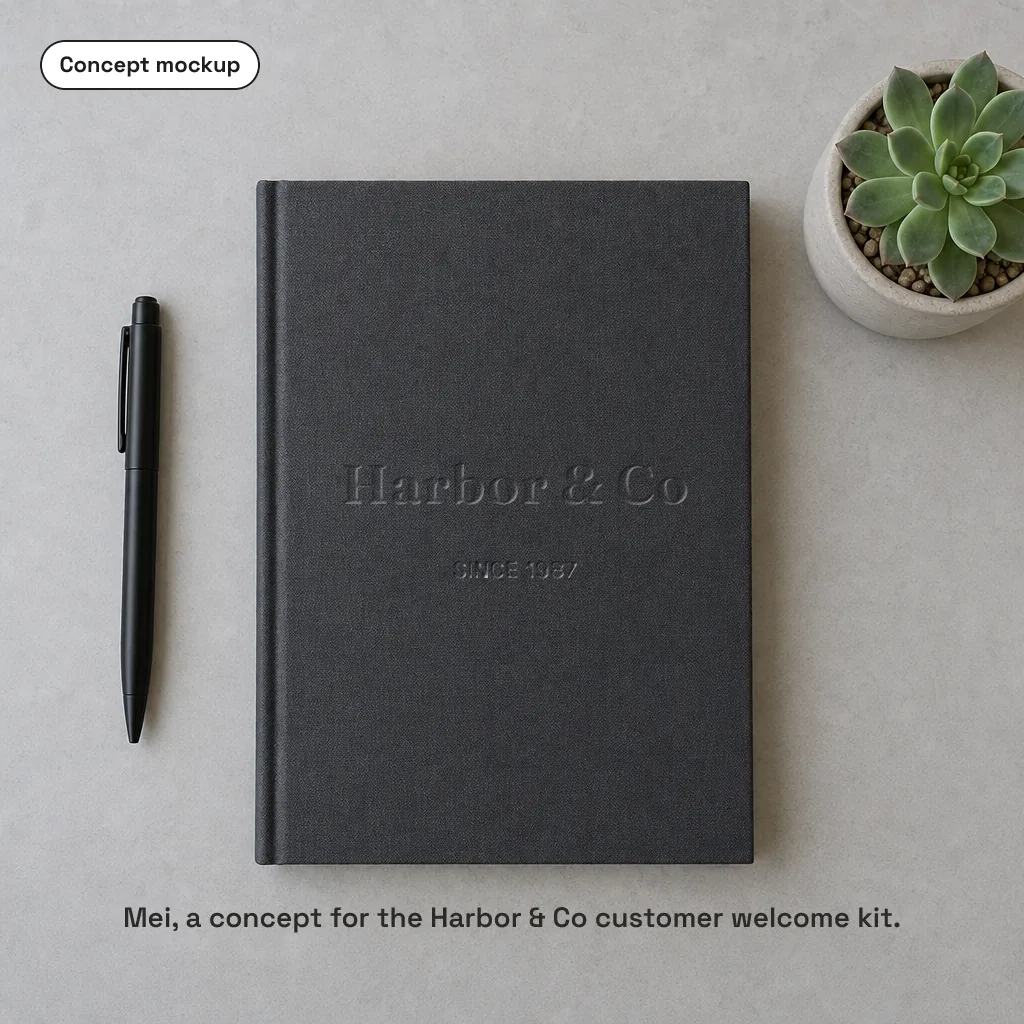
Put a prospect's company into a branded concept made for their business.
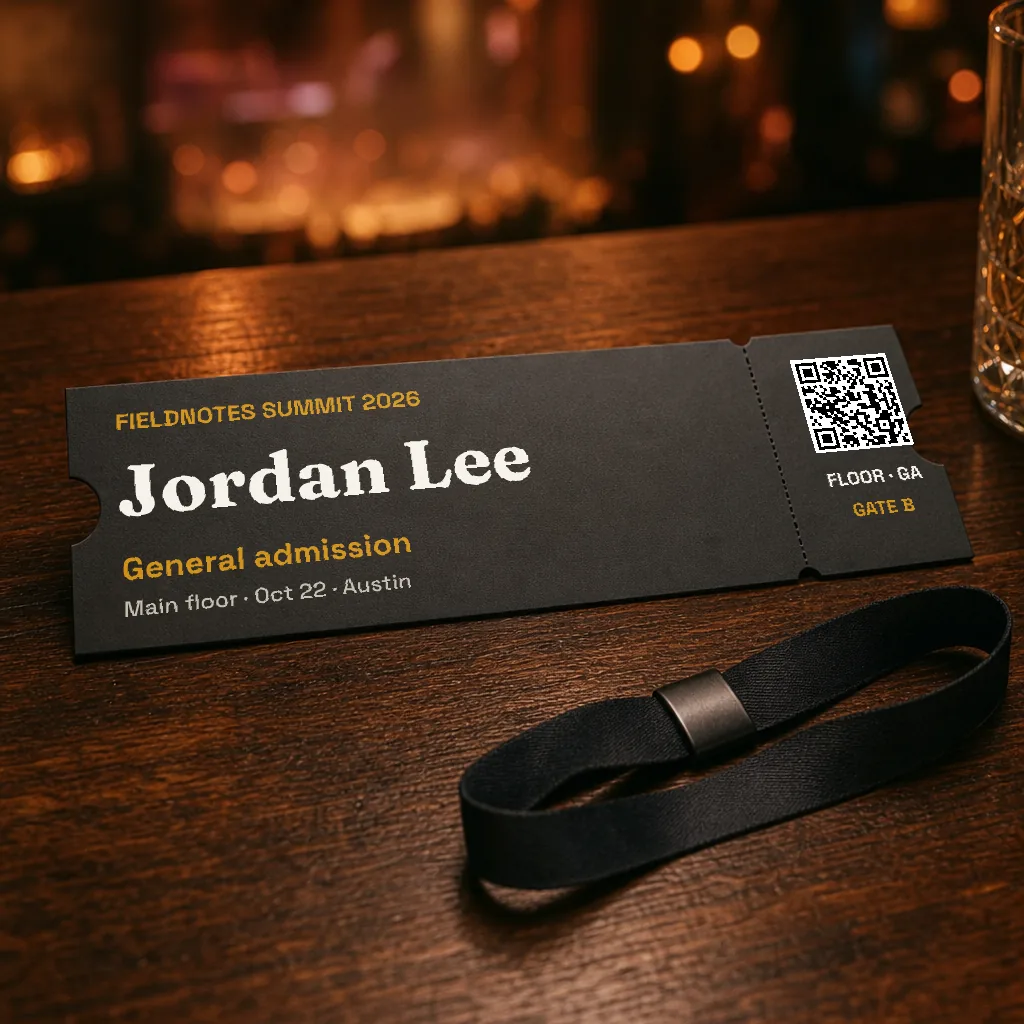
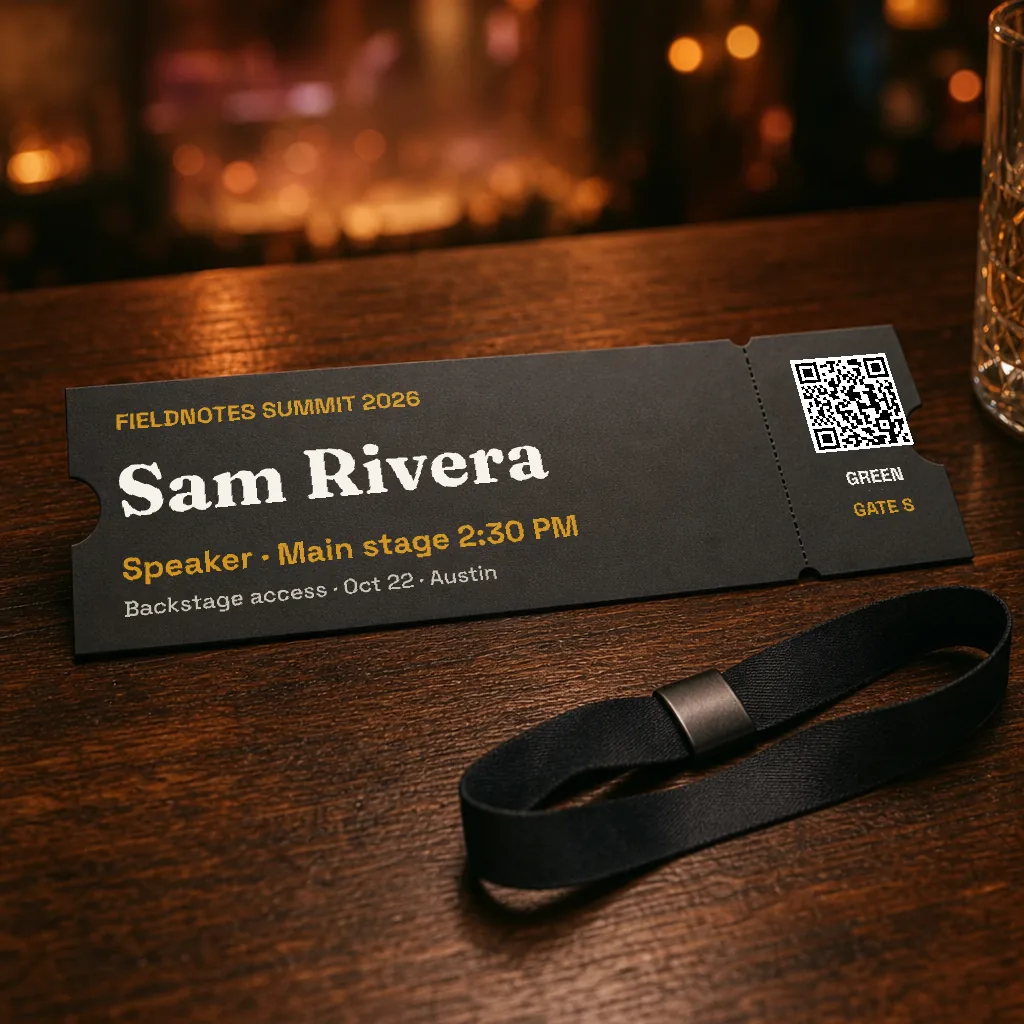
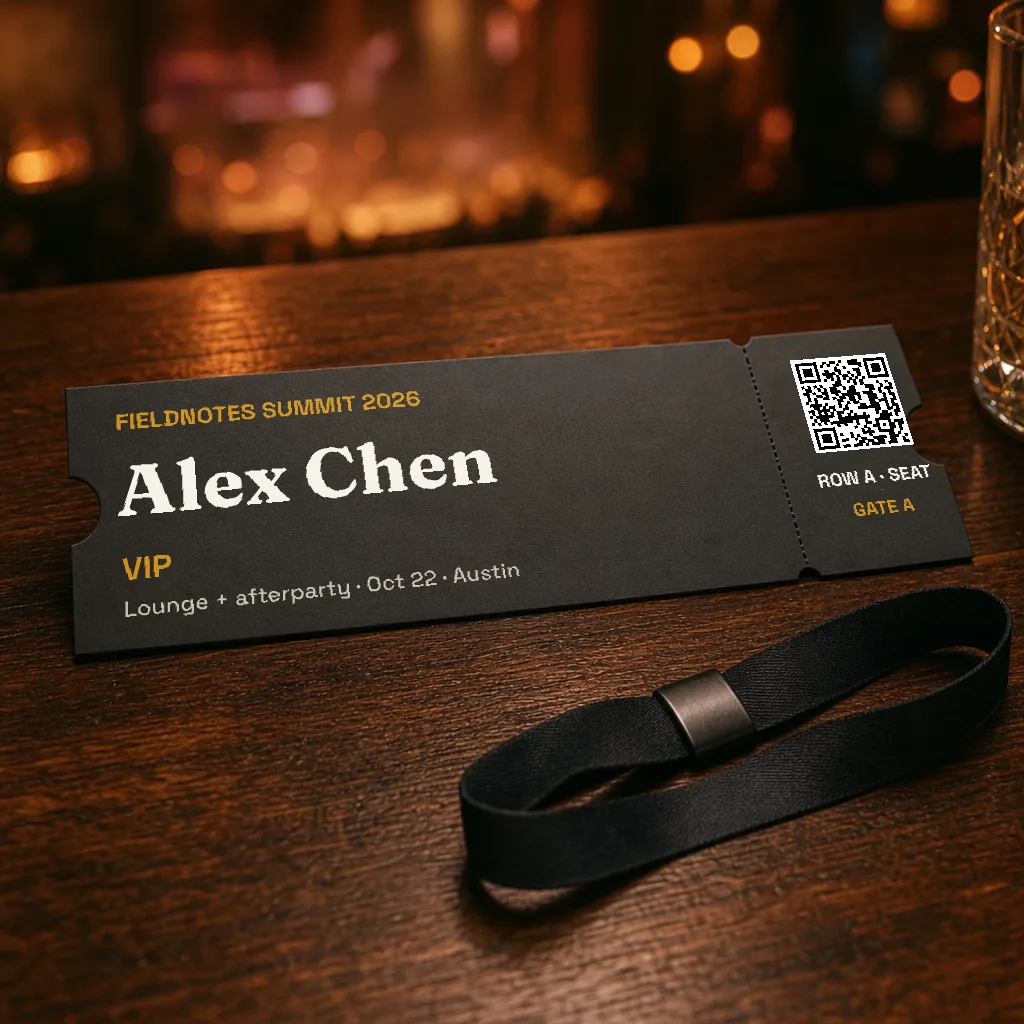
Name, ticket type, seat and gate in foil on a real ticket, plus a QR code that links to their ticket.
Example templates rendered with Piksio from sample data. Pick a name to see what that customer gets. Company logos are shown for illustration; those companies are not Piksio customers.
Most personalized images put flat text on top of a photo, and people notice. Piksio prints the name into the scene, so it follows the curves, folds and light of the surface underneath.
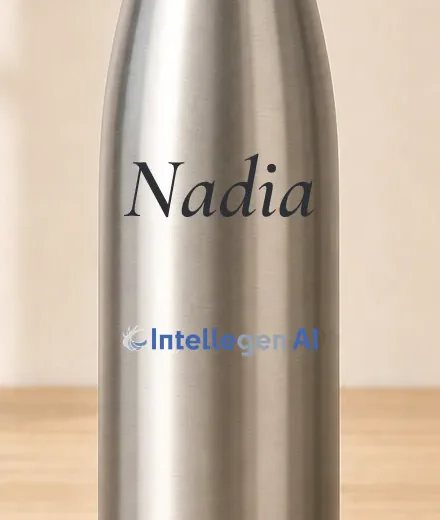
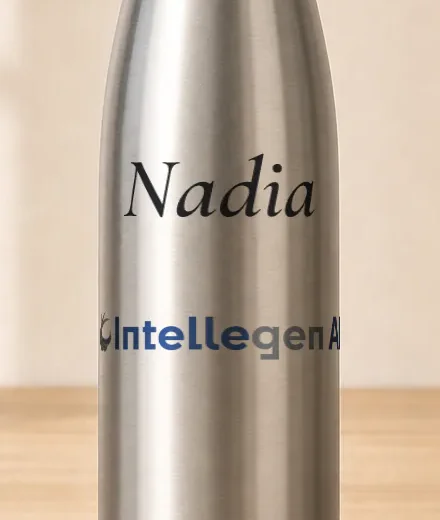
Same bottle, same name, same logo. No other personalization tool wraps them around the product.
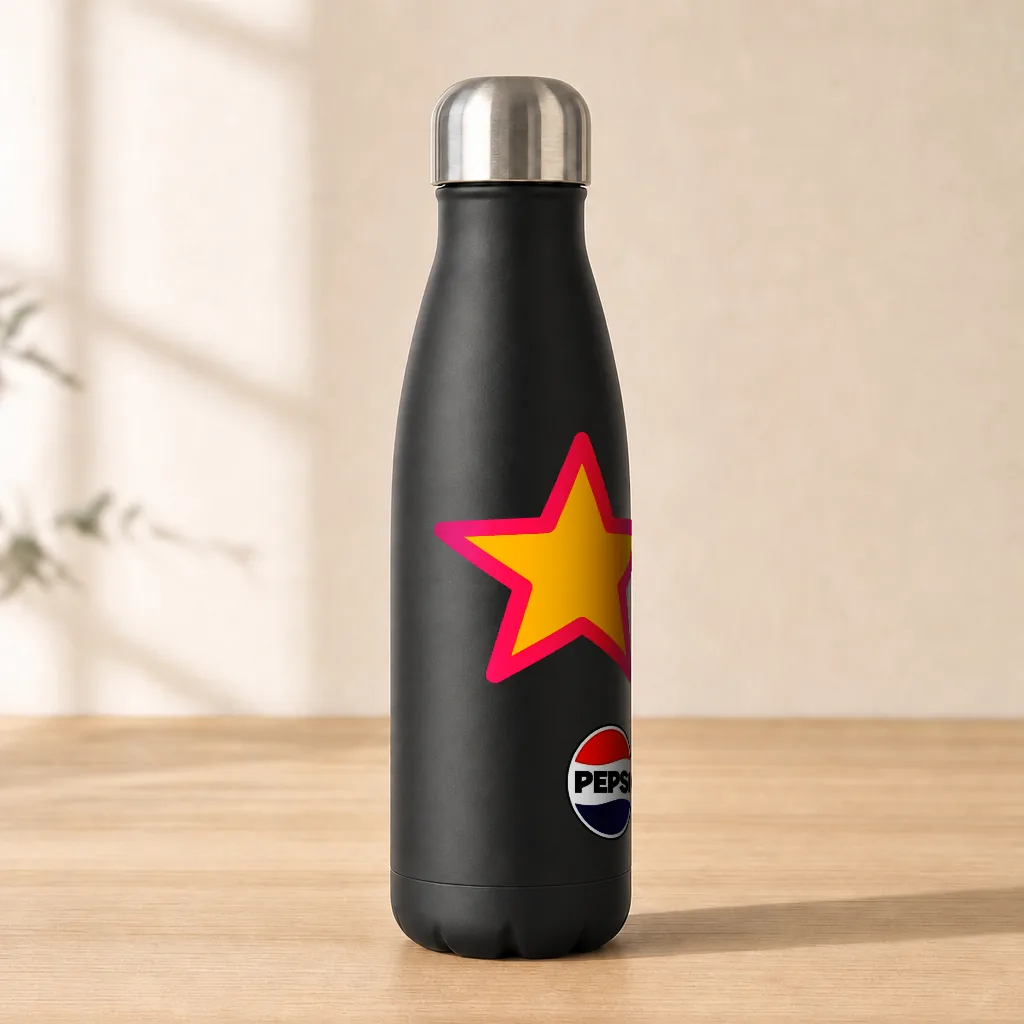
Text, shapes and logos foreshorten toward the edges of cups, bottles and cans. Slide one sideways and it turns around the bottle.
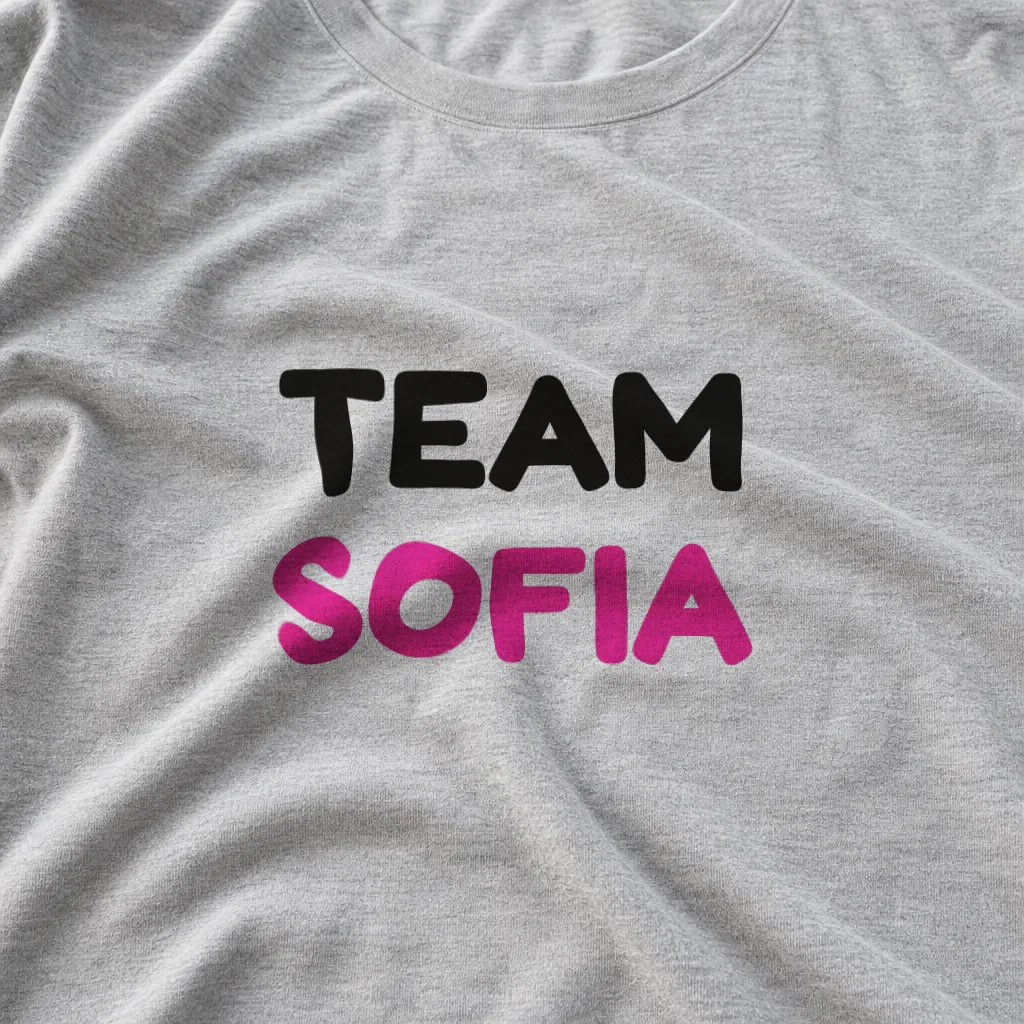
Prints ripple along wrinkles and folds in shirts, totes and paper, and pick up the shading. Works with text, shapes, logos, photos and even maps.
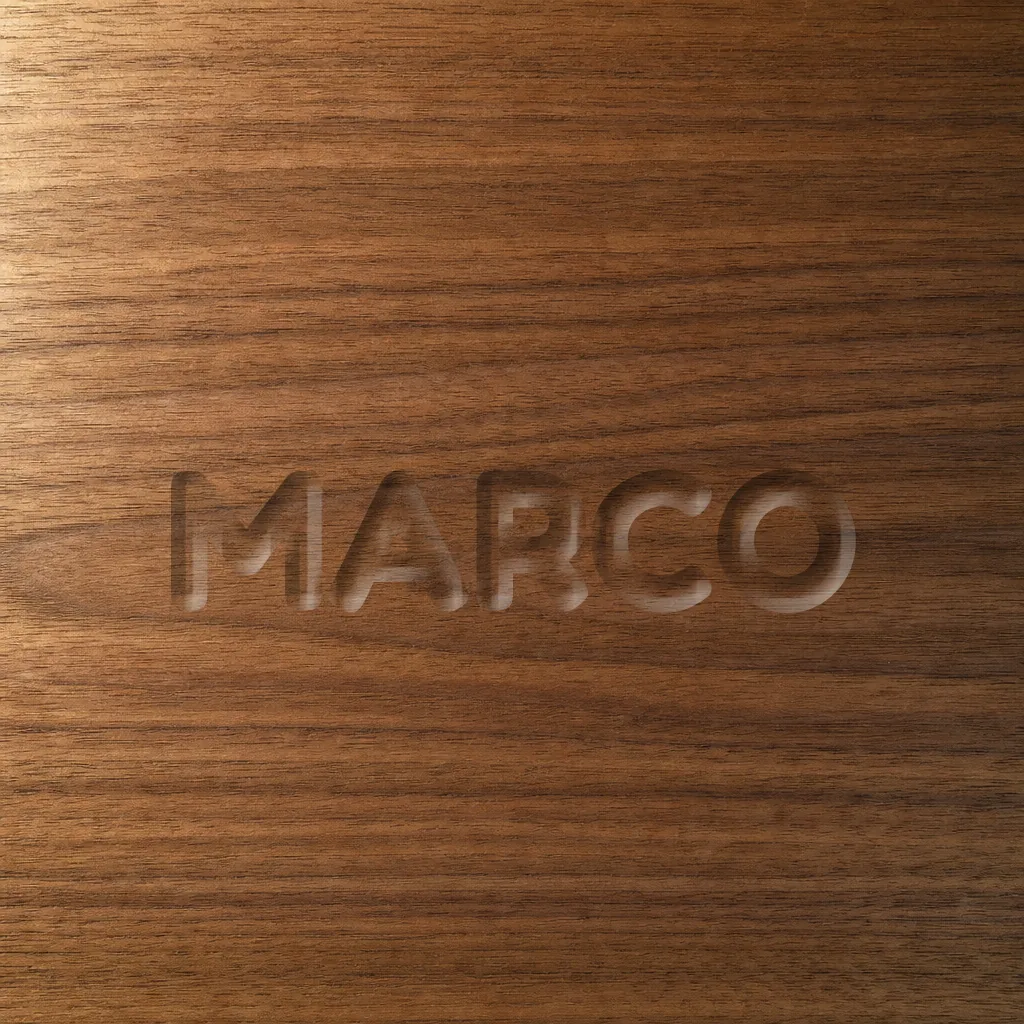
Letters are cut into, or pressed out of, whatever is behind them: wood, leather, stone or paper.
Let AI create the layout, background and supported personalized layers from your brief, or design your template in the canvas. Both paths give you a reusable design you can review and edit.
Check the fields in your template, such as a name, company logo, profile photo, QR code, map or progress/donut value. Set text fallbacks for missing details. Use the canvas for more chart types or advanced effects.
Copy the image URL into your email. Your platform fills in each person's details, and Piksio returns the image made for them.
If your email tool can show an image and fill in a merge tag, it works with Piksio. Piksio writes the link in your platform's syntax, with a fallback so nobody sees a blank.
Using something else? Pick Other: if your platform fills in merge tags, it works with Piksio. See all setup guides →
One credit is one unique image: your template filled in with one person's details. Re-opens, forwards and repeat fetches by their inbox are the same image, so they're free.
20,000 customers each get their own image this month? That's $97.50, after the free 500. Estimate yours →
High volume? Talk to us about volume pricing.
I'm building Piksio to make personalized campaign images easier to create and use. I'm talking with marketers about what worked, what didn't, and what their existing tools were missing.
If you've tried image personalization, I'd love to hear your experience. Write to me at hello@piksio.com.
Any platform that lets you add an image and use merge tags, including Klaviyo, Mailchimp, HubSpot, Brevo, Customer.io, ActiveCampaign, Braze, SendGrid, Iterable and Omnisend. Nothing to install. You paste an image link.
Yes. Piksio serves standard PNGs and animated GIFs, the formats every major email client supports. To the inbox it looks like any other image.
One credit ($0.005) per unique image: one template filled in with one person's details. If the same person opens the email five times, forwards it, or their inbox loads the image twice, it's still one image. The first 500 new images each month are free. Animated GIFs cost the same as stills. An image with a map uses 2 credits, and a map hidden for someone with no address costs 1. Standard AI artwork generation or a successful picture edit uses 40 credits when you create or change the template’s artwork. Recipient images reuse the saved design.
Piksio creates the image the first time it's requested. After that, many inboxes keep their own copy: Gmail stores images through its image proxy, and Apple Mail can download them when the email arrives rather than when it's opened. So treat each image as a snapshot from the first time it loaded. The image uses the details your email platform supplies at send time, like a name, offer or code. Fast-changing values such as a countdown may not refresh on later opens.
Recipients see your design with its default values instead of a broken or blank image, and we email you when your balance runs low. Once you top up, new opens are personalized again.
Only the values in the image link. Your email platform fills in the merge tags when it sends, so each link carries that person's details, like a first name or discount code, in the URL. Use fields you're comfortable having in a link and leave out sensitive data such as email addresses. Record links, which carry a random token instead of the details, are in development. See our Privacy Policy and DPA.
No. Let AI build your personalized template, or design it in the canvas. Review it once, then reuse it with each recipient’s details in your email tool. AI helps create the template; recipient images reuse the saved design with the supplied data, rather than generating a new AI design for every email.
No. It's free up to 500 new images a month, then you pay as you go. If you send at high volume, talk to us about volume pricing.
Build your first personalized image in a few minutes. 500 free images every month, no card needed.
Create your first template →Already have an account? Log in